Add hours calculator: adding hours and minutes
Add hours to a clock time, or add a list of hours and minutes together; minutes carry into hours for you. Choose every hour or working hours for a clock time, or enter a list of h:mm entries to get the total and its decimal form.
–
Measure Owl Team · Updated
Need the hours between a start and end time? The hours calculator does that.
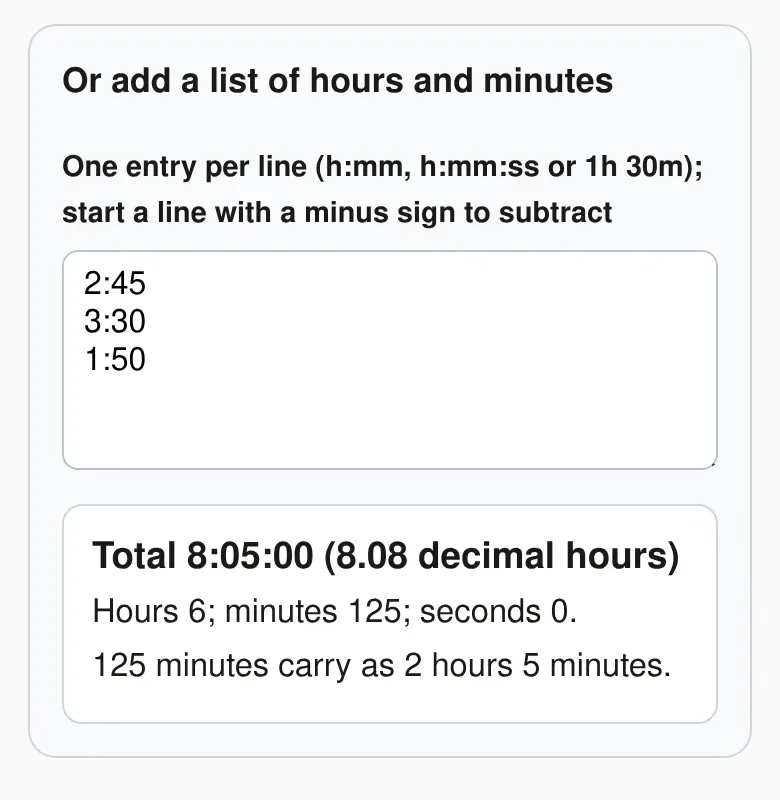
Or add a list of hours and minutes
Hours 6; minutes 125; seconds 0.
125 minutes carry as 2 hours 5 minutes.
Adding hours to a time
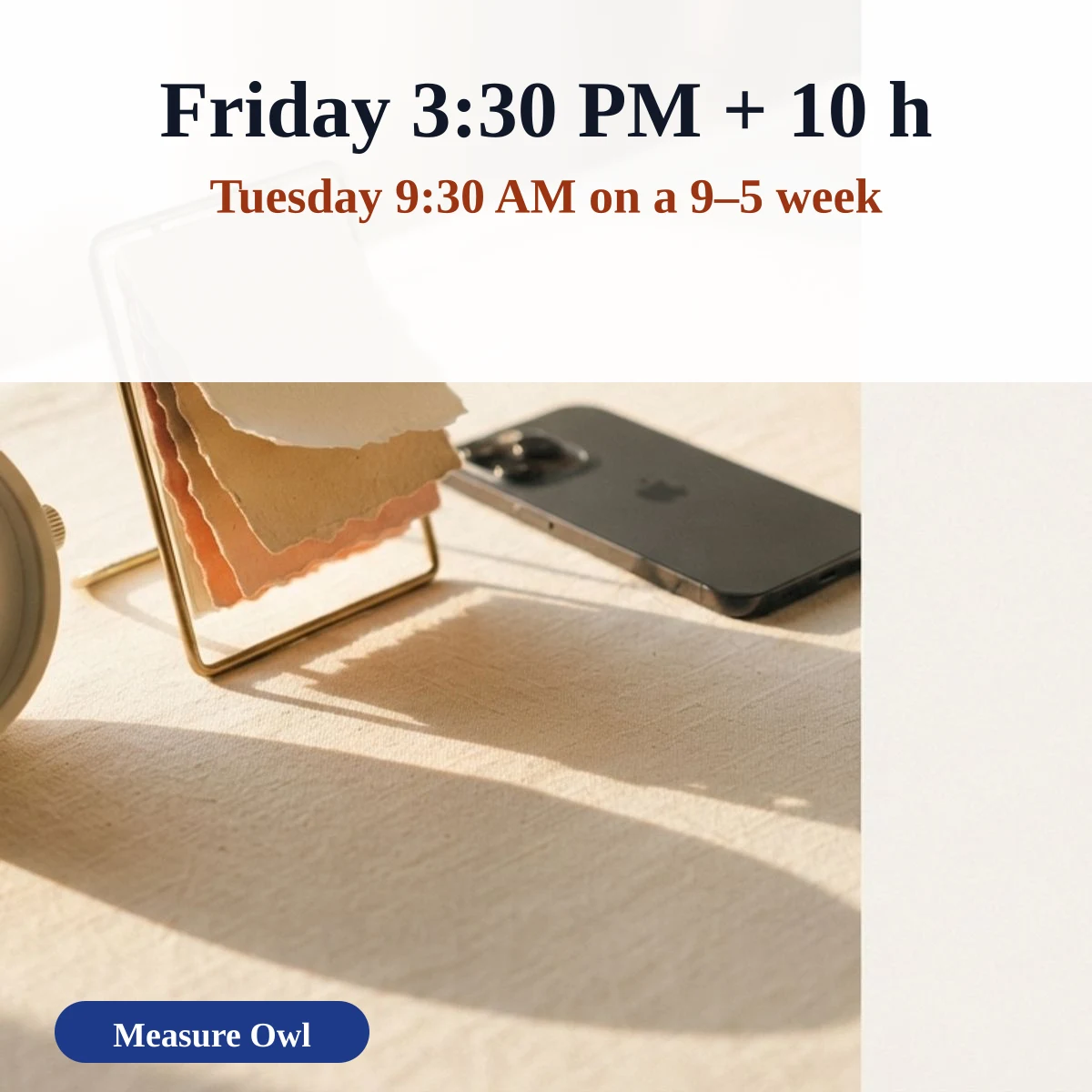
Enter a start time and the number of hours to add, then choose whether every hour counts or only working hours. With every hour counted, Friday 3:30 PM plus 10 hours is Saturday 1:30 AM on the clock. Working-hours mode, the default, uses a 9-to-5 Monday-to-Friday schedule that you can change, so the same 10 hours finish on Tuesday at 9:30 AM.
Take a 9 AM to 5 PM week, Monday to Friday. From Friday at 3:30 PM there are 1.5 working hours left that day, so 10 − 1.5 = 8.5 hours remain. Saturday and Sunday are skipped. Monday gives a full 8 hours (9:00 AM to 5:00 PM), leaving 0.5 hours, so the work ends on Tuesday at 9:30 AM. As plain elapsed time, 20 hours 45 minutes after Friday 3:30 PM is Saturday at 12:15 PM, because 15:30 + 20:45 = 36:15, which is 12:15 on the next day.
Use every hour for things that run around the clock, such as a delivery window, a timer or a medication schedule. Use working hours for office tasks, support tickets and deadlines that only count while people are at work. To add hours to a clock time without dates, try the hours adding calculator.
The weekend pushes longer jobs into the next week. Dates below start on Monday, November 2, 2026.
| Working hours added | Ends on |
|---|---|
| 8 h | Monday 5:00 PM, Nov 2 |
| 16 h | Tuesday 5:00 PM, Nov 3 |
| 24 h | Wednesday 5:00 PM, Nov 4 |
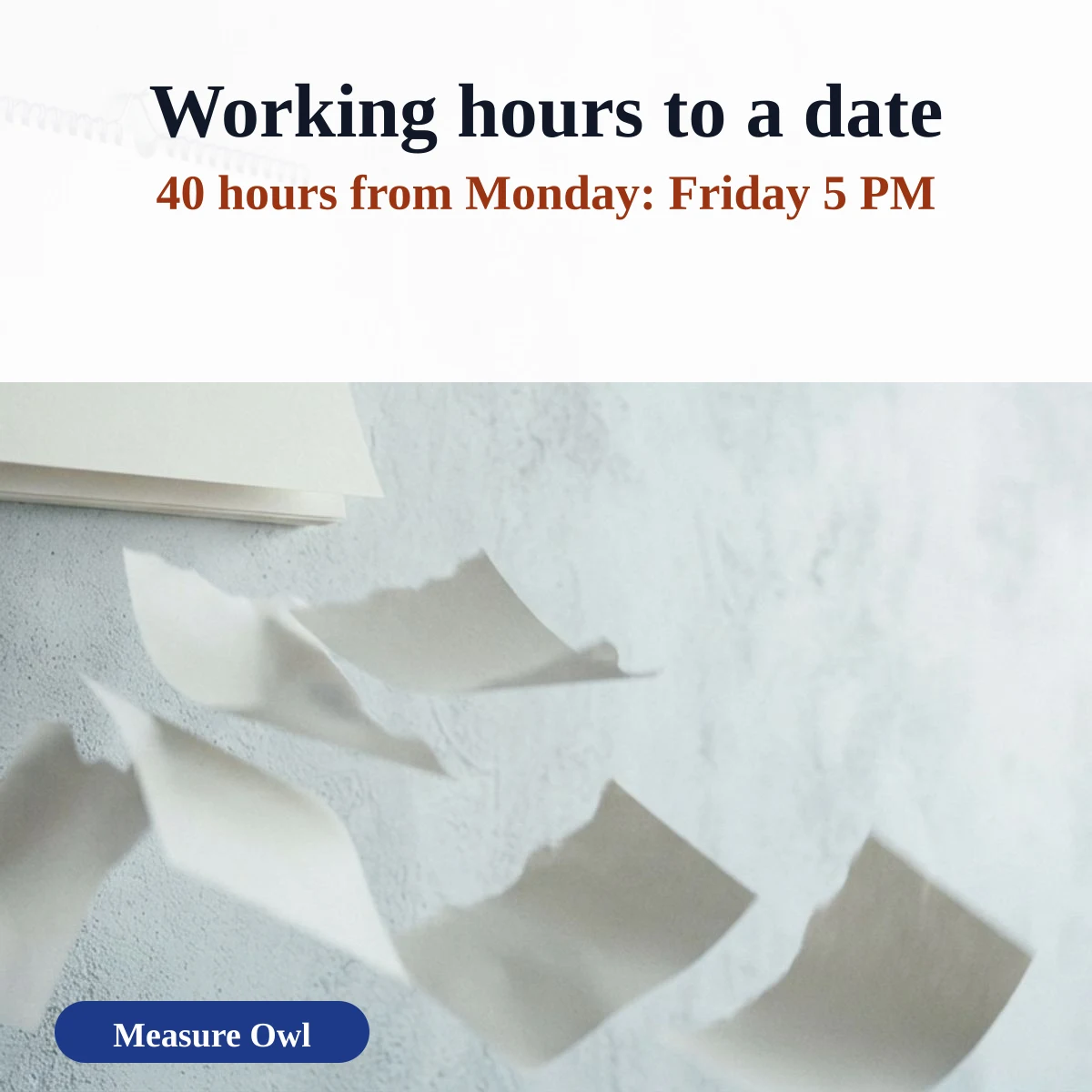
| 40 h | Friday 5:00 PM, Nov 6 |
| 44 h | Monday 1:00 PM, Nov 9 |
| 80 h | Friday 5:00 PM, Nov 13 |
Adding a list of hours and minutes
Add the minutes first, then carry every 60 minutes into an hour. 2:45 + 3:30 + 1:50 is 6 hours and 125 minutes, which becomes 8:05, or 8.08 in decimal hours. The list calculator above shows each carry step, so you can check a timesheet line by line. The table shows seven worked lists.
| Entries | Total (h:mm) | Decimal hours | Carry step |
|---|---|---|---|
| 2:45 + 3:30 | 6:15 | 6.25 | 5 h + 75 min = 5 h + 1 h 15 min |
| 2:45 + 3:30 + 1:50 | 8:05 | 8.08 | 6 h + 125 min = 6 h + 2 h 5 min |
| 1:20 + 0:50 | 2:10 | 2.17 | 1 h + 70 min = 1 h + 1 h 10 min |
| 0:45 + 0:45 + 0:45 | 2:15 | 2.25 | 0 h + 135 min = 0 h + 2 h 15 min |
| 7:45 + 8:15 + 6:30 + 7:00 + 5:20 | 34:50 | 34.83 | 33 h + 110 min = 33 h + 1 h 50 min |
| 8:00 + 7:45 + 8:30 + 6:15 + 8:00 + 4:00 | 42:30 | 42.50 | 41 h + 90 min = 41 h + 1 h 30 min |
| 3:50 + 2:40 + 1:35 + 0:55 + 4:20 + 2:25 + 1:10 | 16:55 | 16.92 | 13 h + 235 min = 13 h + 3 h 55 min |
Adding hours, minutes and seconds
Seconds carry into minutes the same way minutes carry into hours: every 60 becomes one of the next unit. 1:20:40 plus 0:50:30 is 2:11:10. Subtraction borrows in the other direction, and a negative result is shown with a minus sign rather than as a clock time.
One hour is 60 minutes or 3,600 seconds, and a calendar day is 24 hours. A day that has a daylight saving change is 23 or 25 hours long, so “every hour” mode follows the real clock.
| Hours | Minutes | Seconds | Days |
|---|---|---|---|
| 1 h | 60 | 3,600 | 0.0417 |
| 6 h | 360 | 21,600 | 0.25 |
| 12 h | 720 | 43,200 | 0.5 |
| 24 h | 1,440 | 86,400 | 1 |
| 48 h | 2,880 | 172,800 | 2 |
| 72 h | 4,320 | 259,200 | 3 |
| 168 h | 10,080 | 604,800 | 7 |
The calculator does not apply your employer’s rounding rule, such as 6- or 15-minute increments. The calculator uses your device’s time zone and calendar. It does not know public holidays, company closures, lunch breaks or other time zones, and it counts whole minutes. For legal or payroll deadlines, confirm the date with the rule that applies to you.
See the Unit Conversions home page for more tools, or read more about measure owl.
Last updated: November 19, 2026.
Did the owl get it right?
Mark this page useful, or tell us what to improve.
Thank you. Your note has been received.