How to Use Measure Owl
This page explains how to use Measure Owl: open the page that matches what you need, enter or pick your input, then copy, read or print the result. A result looks wrong or a page does not load? Report it on the contact page. The Measure Owl home page lists every converter.
Find the page you need
Start on the home page; the menu and the lists there lead to the hours ago calculator, the planetary hours calculator and the weekly timecard calculator. The hours calculators page gathers all of them in one list, so pick the one whose name matches the question.
What each page does
Each calculator asks for a few values and returns one answer. The table shows what you enter or pick on each page and what you get back.
| Page | What you enter or pick | What you get back |
|---|---|---|
| Hours ago calculator | Hours and minutes, ago or from now, a start moment; or two times | The exact day and clock time, or the hours between two times |
| Planetary hours calculator | Latitude, longitude and date; optional sunrise and sunset | The 24 planetary hours of the day |
| Redcort hours calculator | Start, end and unpaid break for each day; optional hourly rate | The week in hours and minutes and in decimal hours |
| Military hours calculator | A 24-hour time, or two military times | The AM or PM time with its spoken form, or the hours between |
| Hours addition calculator | A list of times, one per line | The total in hours and minutes and in decimal hours |
| Hours adding calculator | A start time and the hours and minutes to add | The resulting clock time |
| Add hours calculator | A start date and time, hours to add, workday start and end, working days | The end time counted in working hours |
| Hours to days calculator | Hours, or days to hours | Days and hours, and weeks |
| Hours to minutes calculator | Hours, decimals allowed | The same time in minutes |
| Kilowatt hours calculator | Power in watts, hours per day, price per kWh | Energy in kWh and the cost |
| Watt hours calculator | A load in watts and the time; volts and usable share for a battery | Energy in Wh, kWh and joules |
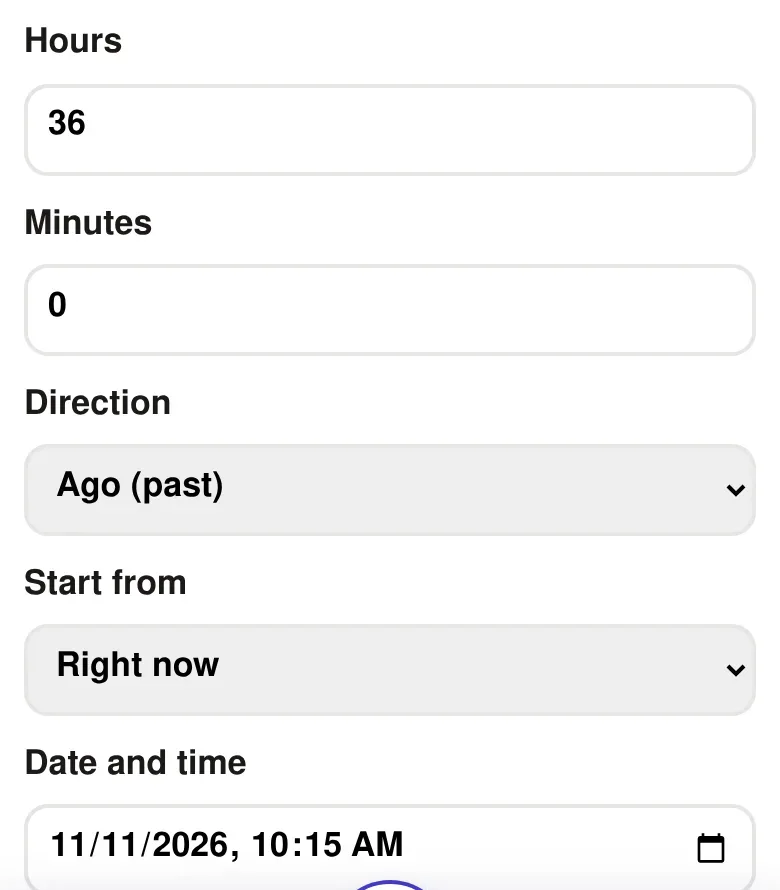
Copy, read or print the result
The answer appears under the fields as you change them. Some calculators have a Copy button under the result, such as Copy summary on the weekly timecard and Copy total on the hours sum, and any page can be printed from the browser. Nothing you type is sent to an account.
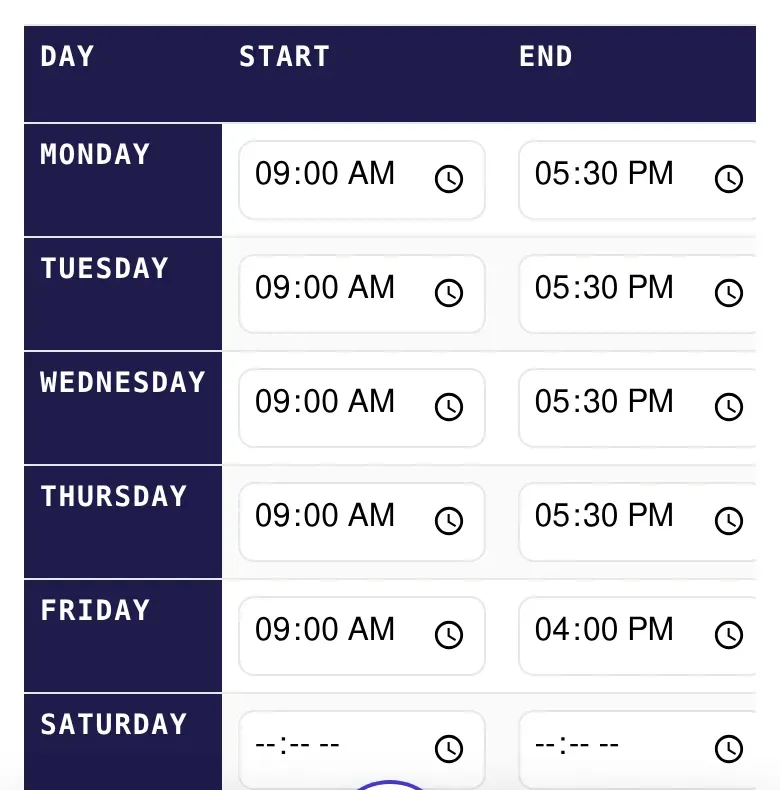
Results come from the values you enter and from published references; check them against your own records where the answer matters, such as payroll.
Last updated: 13 November 2026.
Did the owl get it right?
Mark this page useful, or tell us what to improve.
Thank you. Your note has been received.